 Echo Scribe
Platform & System
Private by default. Fast by design.
Echo Scribe runs a local AI model on your Mac, asks for exactly the permissions it needs, and stays out of your way once it is set up.
Download free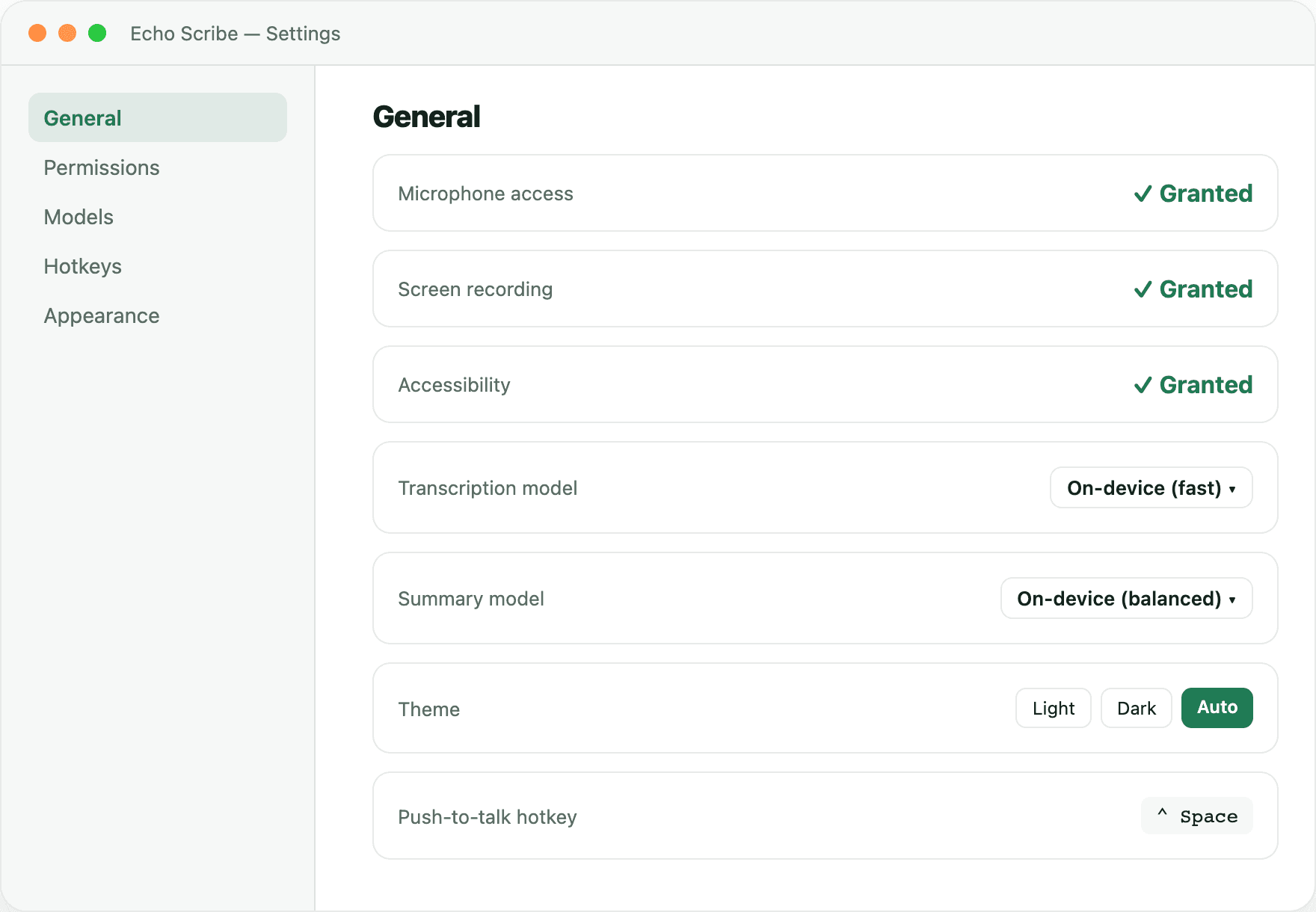
Local AI
The model runs on your Mac, not someone else’s server.
Echo Scribe runs a local Gemma model through llama.cpp for summaries and chat, and only requests the system permissions it actually needs.
1
Local Gemma modelRuns through llama.cpp — no API key, no cloud inference.
2
Transparent permissionsMicrophone, screen, and calendar access are requested individually, not bundled.
3
Works offlineOnce models are downloaded, an internet connection is optional.
Setup
From download to first capture in minutes.
A guided setup walks through permissions and calendar access, and Echo Scribe keeps itself current after that with automatic updates.
1
Guided onboardingGrant permissions one at a time, with plain explanations for each.
2
Calendar-awareConnect your calendar so meetings are detected automatically.
3
Auto-updatesRun the install command again anytime to update — no manual downloads.
Start building your work memory.
Open Terminal and paste the line below. No Homebrew required.
curl -fsSL https://raw.githubusercontent.com/denisduvauchelle/echo-scribe/main/install.sh | bashmacOS 14 or laterApple Silicon & IntelRun again to update~2 GB for AI models (one-time download)