 Echo Scribe
Editor & Export
Turn a raw recording into something worth sharing.
Trim, zoom, and polish your screen recordings, then export to MP4 or GIF — or send straight to Google Drive.
Download free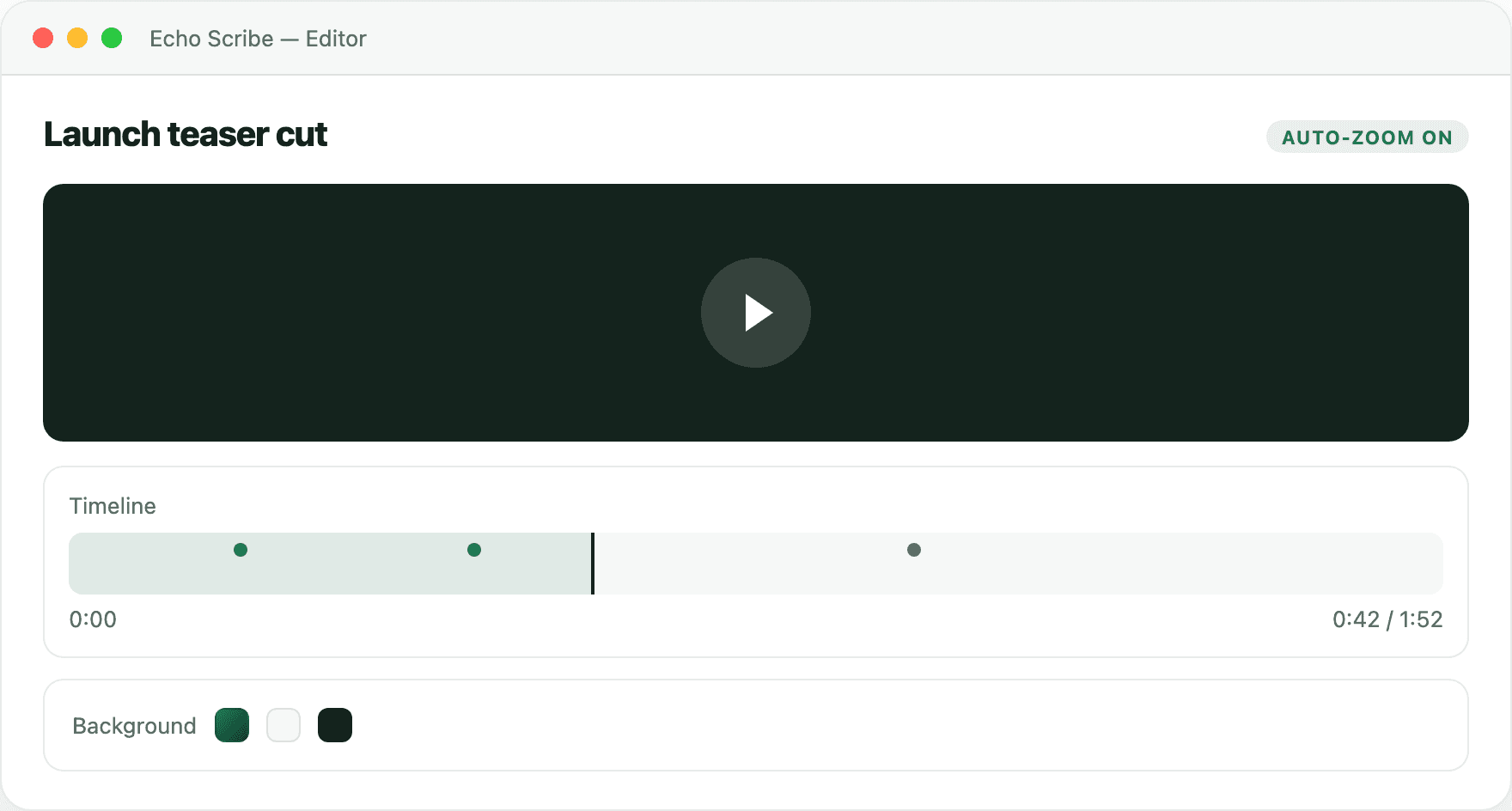
Recording editor
Editing that looks intentional, automatically.
Auto-zoom follows the action, backgrounds frame the shot, and a simple timeline lets you trim without learning a new tool.
1
Auto-zoomFollows your cursor and clicks so viewers see what matters.
2
Custom backgroundsFrame the recording with padding, color, or blur.
3
Simple timelineTrim the start, the end, or a dead spot in the middle.
Export
Ship it wherever it needs to go.
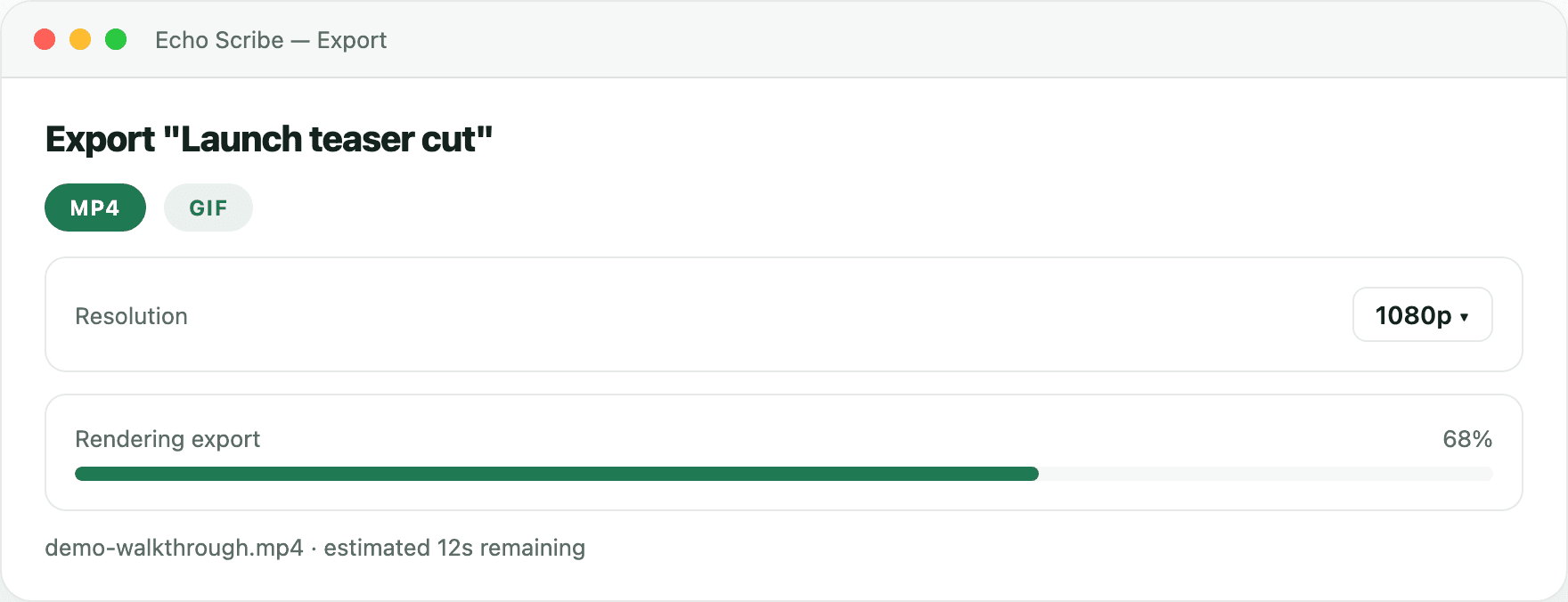
Export to MP4 for a polished share, GIF for a quick preview, or upload straight to Google Drive without leaving the app.
1
MP4 or GIFPick the format that fits where the recording is going.
2
Google Drive uploadSend the export straight to Drive and share a link.
3
No re-encoding elsewhereExport once, at the quality you need, and you are done.
Start building your work memory.
Open Terminal and paste the line below. No Homebrew required.
curl -fsSL https://raw.githubusercontent.com/denisduvauchelle/echo-scribe/main/install.sh | bashmacOS 14 or laterApple Silicon & IntelRun again to update~2 GB for AI models (one-time download)